
Section 4.5 Add and Instructor or TA
Runestone supports multiple instructors or TAs for a course. We do not make any real distinction between a TA and an instructor so keep in mind they they both have all of the same privileges that you do. Adding a another instructor is quite easy. The process is as follows.
-
Make sure that your co-instructor has registered for your course as a student.
-
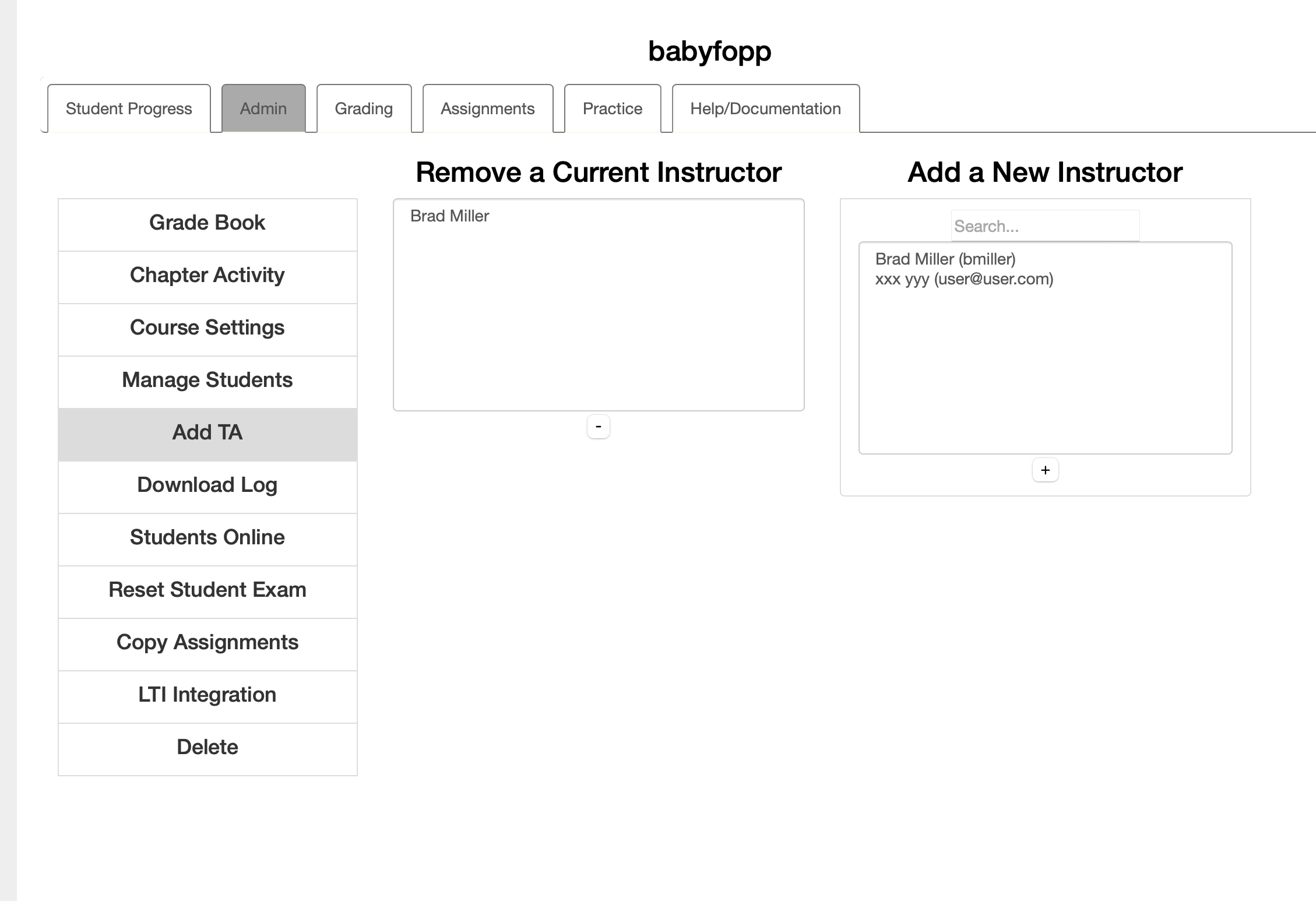
From the user icon at the top right of the page, choose the Instructor Dashboard. Open the "Course Administration" section, and click on "Manage Teaching Assistants".
-
Select the co-instructor or TA from the list of students on the right then click the Add button below the list. You should see the name appear in the list of instructors on the left.
To "demote" a co-instructor or TA back to a student just select them in the list of instructors on the left and click the Remove button below the box.

