Section 2.2 First-time Registration
If you are a new Runestone user, you will need to register for a free account. Click on the Login button at https://runestone.academy and then click on the Register link at the bottom of the login form or go directly to the registration page at https://runestone.academy/admin/auth/register. Make sure you fill in the Institution Name because this will be used to suggest courses for you to join at your institution. Click the Create Account button to go to the second page to choose your first course.
If you check "I am an instructor and want to create a course for my students" at the bottom of the registration form, you will be taken to the create a new course page.
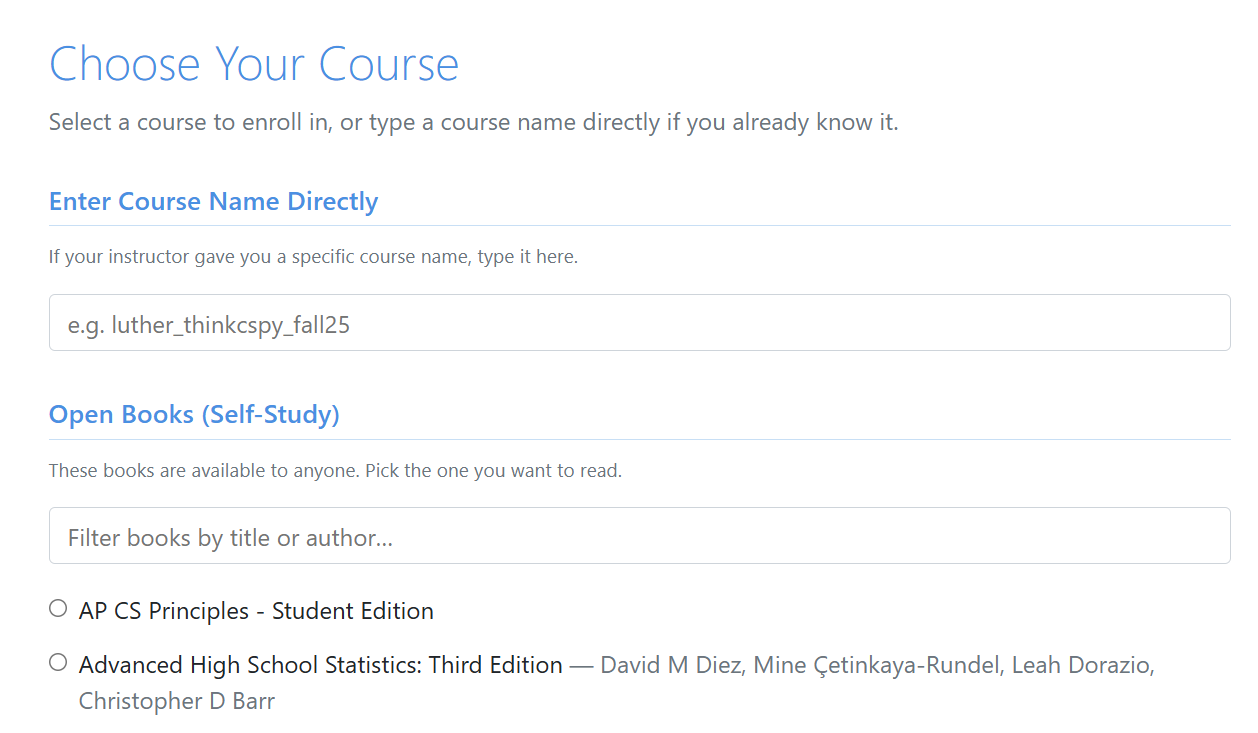
On the second page, you will see suggested courses from your institution. Or you can type in the name of a course you want to join. Or choose one from the list of base courses which are also listed on the library page. After joining your first course, you will be able to add more courses.